6.1.24
This watch will be 2 years old in October 2024. All the features these smart watches have, I dunno, I only use it for time, date, and steps. I don’t want it ringing when I get a phone call, I’ll just use my phone. Charging from 0% to 25% takes 18 min. From 25% to 100% takes 1.5 hours. From 100% to 0% takes ? I don’t see myself upgrading to a new watch until this battery doesn’t last 14 hours. I even kept my Pixel 7 Pro and don’t plan on getting a new phone until the Pixel 9 or even the Pixel 10. Main reason to upgrade is a weak battery. Why spend the money to change out the battery when I can just spend that money towards a new watch or phone? I guess it depends how much a new battery is. Still, the new model would have to have some compelling feature my current watch doesn’t have. Plus, the charger is different and I already bought an extra one so I’ll stick with this watch until the battery dies.
2.5.24
To charge from 1% to 50% take 30 min. From 50%-100% take another hour. The watch has been pretty much solid since I bought it in Oct 2022. The battery life is definitely shorter. I didn’t upgrade to the Pixel Watch 2 since I didn’t need the new features, my 1 still works fine, and Google changed the charger so it is no longer compatible! Since I bought an extra $30 charger, I decided just to wait until the Watch 3, 4, or 5 comes out.
Received 10.31.22
I bought an Apple Watch 5 when they first came out in Sept 2019, but sold it a few months later since I didn’t have much use for it. I always have my phone with me so I know what time it is. I didn’t see much use for the Watch apps either.
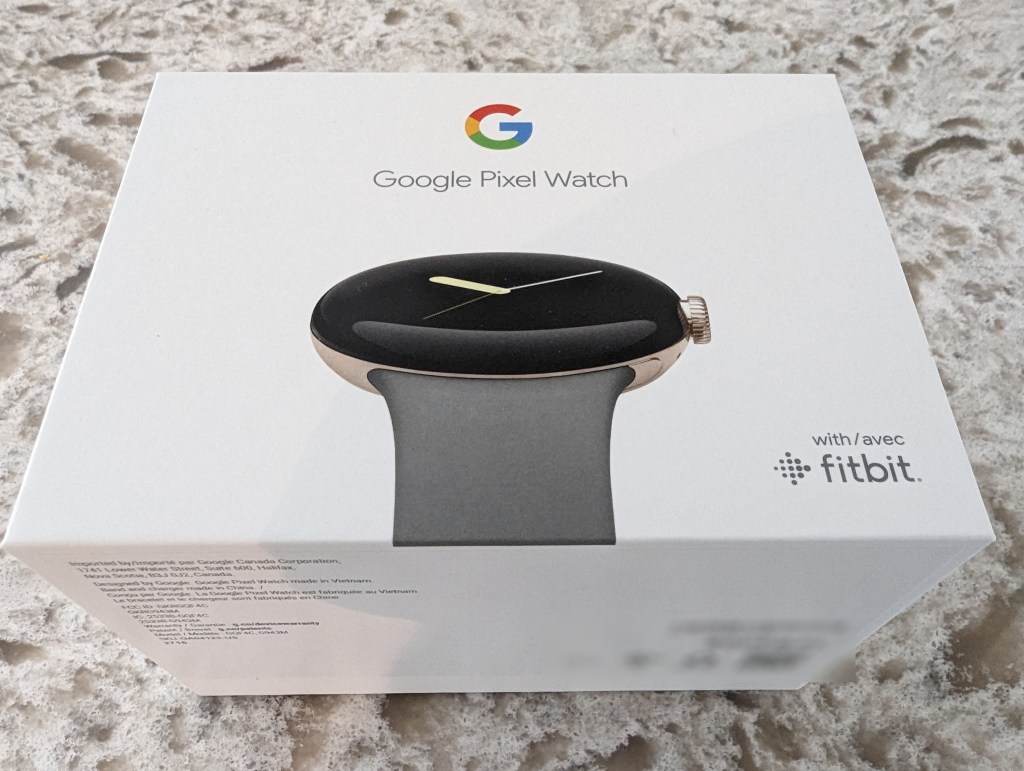
I bought this Pixel Watch since I have a Pixel 7 Pro and Google gave me a $200 credit at the Google Store. I was going to wait and get the Pixel Tablet when it’s available next year, or wait to use it on a Pixel 8 Pro, but since I have an iPad Mini 6 I just decided to get the Pixel Watch. I thought the Fitbit activity tracking might be useful. I don’t like earbuds and that was the only other product in the Google Store that might be of use to me. Still, since I didn’t have any use for my Apple Watch 5, I was reluctant to buy the Pixel Watch. I also stay away from 1.0 releases, but bought this since I had a $200 credit at the Google Store. I figured if I liked it, I could get the 2.0 version in a year and trade this one in. If I don’t like it, I can just sell it for the $185 that I paid for it.
The negative comments in the reviews on YouTube were:
1. Really short battery life, like 18 hours. With the always on display on and constant heart rate tracking.
2. The requirement to use 2 apps on your phone to interface with the watch, the Watch app and the FitBit app.
3. Connection to the phone is inconsistent.
Battery Life:
Day 1: 10.31.22 100% charge at noon. 11.1.22 30% charge at 3:00pm. 20% charge at 7:30pm. Went to sleep with it on. 4% charge at 4:00am, 0% somewhere between 4:00-7:00am. 7:30am charged from 0%. 8:00am 60%. 8:30am 90%. 8:40am 100%. I didn’t use it for much. I got 2 phone calls, but answered them on my phone. Used the flashlight 5 times for maybe 30 secs each time. Checked to see how many steps I had and the time maybe 20 times since it was charged to 100%. In my typical use case, the battery lasted 40-43 hours on day 1.
Day 2– 8:40am-100%, 10:30pm-60%, Day 3- 7:30am 40%, 12:00 30%, 3:00pm 20%, 9:00pm 6%, started charging, 9:30pm 60%, 10:00pm %
Day 3 – 8:00am 100%
So I get about 40 hours of battery life the way I use my watch so that’s plenty and more than the stated 24 hours in the specs. There is no way to turn heart rate tracking off, but it supposedly doesn’t use much battery life.
Two apps:
I downloaded the Watch app and FitBit app and conceptually this may seem like a bug but in practical use, I use the Watch app for all watch related stuff like watch faces etc, and the FitBit app for all activity type data. It’s actually quite simple. I also heard there is Google Fit app, but I didn’t download it and don’t see a need to.
Syncing phone and watch:
Initially I had to reboot both twice to get them to sync, but after that, there hasn’t been a problem.
Regarding the reviews on YouTube, the reviewers had a different experience than I did and have a different use case so this is why it’s important to try something out yourself and make your own decision.
Impressed by:
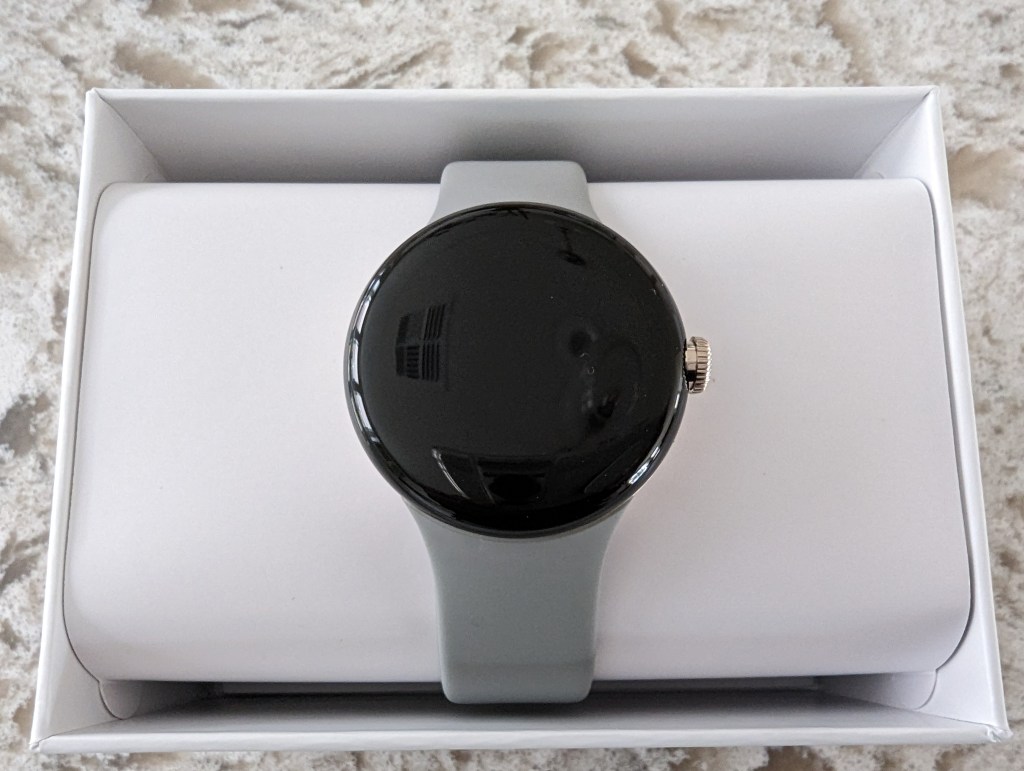
- Size and feel of the watch. It’s the perfect size for my wrist though I’d imagine that bigger versions will be available in the future.
- I don’t even know that it’s on my wrist
- The UI of the OS is very intuitive.
- I didn’t need to read any manual, just downloaded the Google Watch app, paired the two, then ran through the set up, updated the OS.
- Downloaded the Fitbit app
- Ease that I got everything up and running and am now just wearing it and will use Fitbit app to track my activity and see how long the battery lasts.
- The flashlight function. I use this daily, but to suppinate my wrist is not easy or natural.
- Watch faces – there are not a lot of them, but the ones they have are quite good. You only need one you like…
Could be improved:
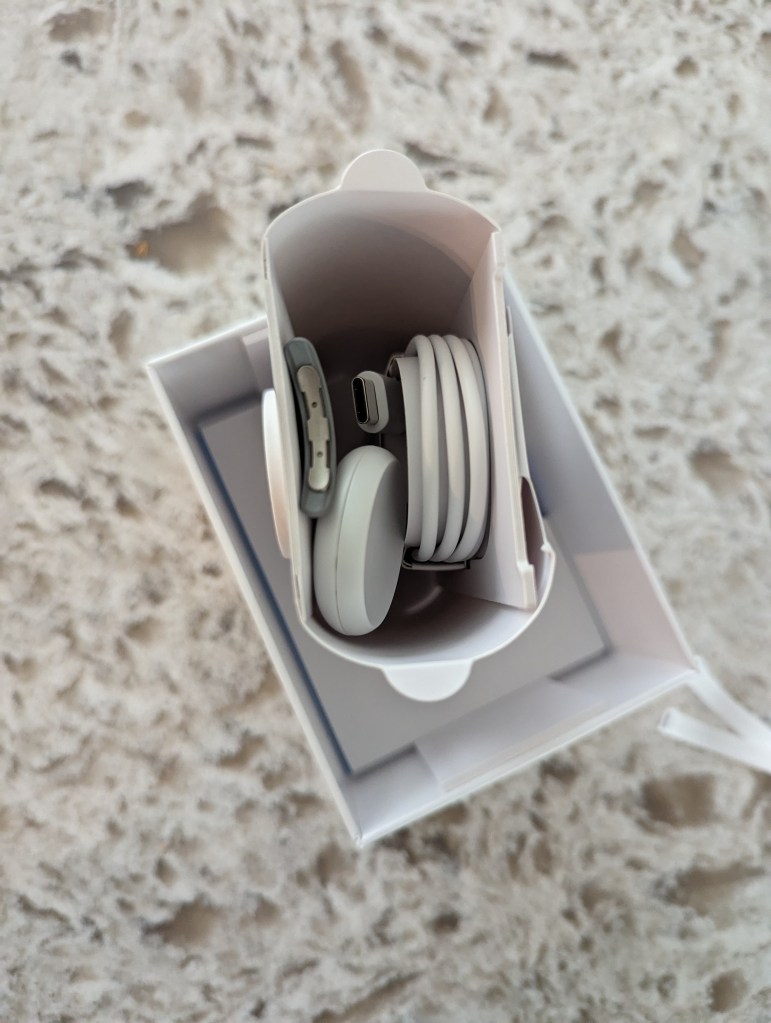
- Packaging could be better. Removing the watch and charger could be smoother. It’s clearly not an Apple product, but no big deal.
- Charging cable is USB C, so make sure you have a USB C female charge plug.
- $60 price for the stretch band I want and no third party sellers have any bands for 1-2 months. However, the supplied band is fine.
- The magnet on the charger isn’t strong enough to hold the watch and charger together. I wasn’t even sure what side to use, there’s a convex and concave side, so that was a pretty quick decision. Still, maybe some icon or something so users know what side to use? A charging stand would also be very useful.
- You have to download the Google Watch app AND the Fitbit app, which right there seems like a bug or a problem that Google is working on. It’s confusing for the users. Having said that and used this for a few days, it is actually no big deal. You use the Google Watch app for everything Watch related and the Fitbit app for everything Fitbit related. Pretty simple right?
- I updated the OS but couldn’t get the watch to connect to the Google Watch app until I rebooted both a couple of times.
- I want to disable heart monitoring to extend battery life, but there is no way to do that in this version of the OS. I read online though that this monitoring takes very little battery life so I guess it doesn’t matter much.
- After charging to 100% I put the watch on and my wrist felt off, not just due to the heat of the watch either, so I took it off. I now wait about an hour after taking the watch off the charger for it to cool down before putting on my wrist.
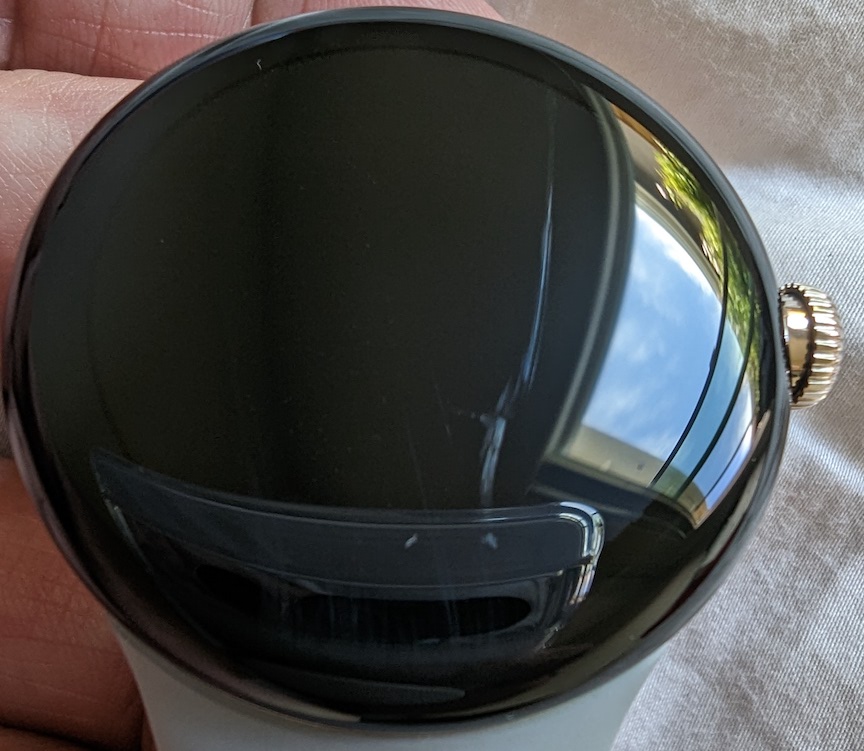
- On day 2, I noticed there is a large scratch on the face of the watch. This Gorilla Glass 5 is apparently not that strong. I can dig my fingernail into it so it is relatively deep. I have no idea how this happened since I didn’t do anything I remember that would have caused this deep of a scratch. Please get the face protectors Amazon sells for these. Too late for me…
Summary
I wasn’t expecting much since this watch is version 1.0 and is really late to market. The Apple Watch is on its 8th generation, so I’d guess it’s a much more polished product. Surprisingly, I’ve been impressed since I first set this Pixel Watch up and paired it to my Pixel 7 Pro. The set up was smooth and intuitive. The problems that are most discussed in reviews are the battery life and having to use two different apps. I got about 40 hours for my typical use case, so that’s fine for me and almost twice the advertised 24 hour battery life. Using the Google Watch phone app and the Fitbit phone app may seem like a poor design but in actual use it’s no big deal. You open the Fitbit app to use Fitbit stuff and the Watch app to do everything else. That’s pretty easy right? Anyways, I recommend this watch especially if you have a Pixel phone. Just put on a screen protector on as soon as you get it.
Due to my experience with this watch, I convinced my friend with an iPhone 12 to get the Apple Watch 8 since I’m sure it has a similar feature set and after 8 generations is probably a very polished product. Apple has a very well thought out price point for their watch line up, starting at $250 for the SE, $400 for the Series 8, and $800 for the Ultra. Interesting though, the Series 8 Aluminum case starts at $400, but the Stainless Steel case starts at $700 and tops out around $1500. The Pixel Watch is $349 but the case is Stainless Steel so to compare it to the Stainless Steel Apple Watch of $700, it’s half the cost! The Pixel 7 Pro and the Pixel Watch are a great combination and value when compared to the Apple iPhone and Watch.
 Canon M Cameras